App Store Connect vs. Google Play Console: Which is Better?
Discover the differences between Apple App Store Connect and Google Play Console. We compare pricing, the release process, and share top tips for getting your app approved.
On this page7 sections
App Store Connect vs. Google Play Console: Which is Better for Deploying Your App?
So you have built an amazing app. The code is polished, the bugs are squashed, and you are ready to share it with the world. But now comes the final boss of app development: deploying it to the stores.
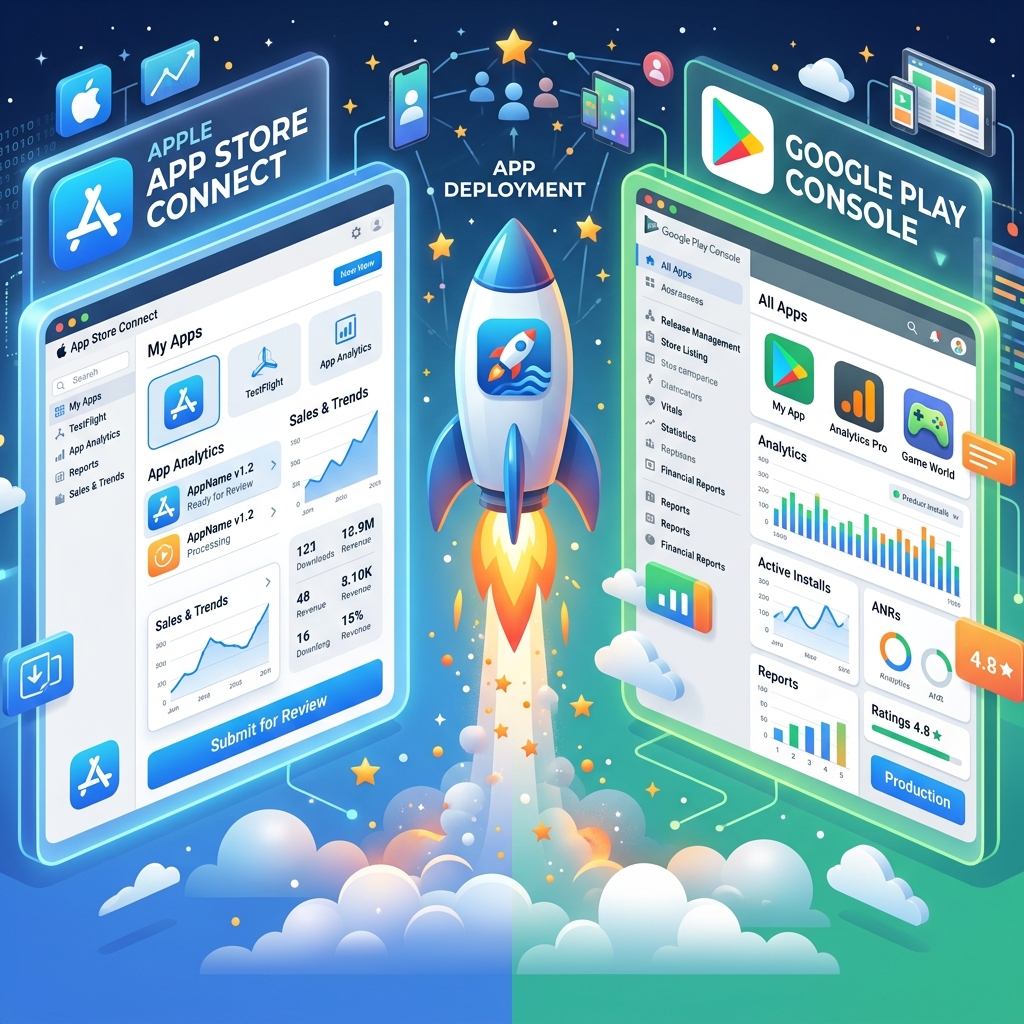
If you are deploying cross-platform, you will have to deal with both Apple App Store Connect and the Google Play Console. Let's break down the pricing, the release process, and which platform actually gives you a better experience.
💰 1. The Pricing Battle
- Apple App Store Connect: Apple charges a hefty $99 per year for the Apple Developer Program. If you are an enterprise building internal apps, that jumps to $299/year. If you stop paying, your apps disappear from the store.
- Google Play Console: Google takes a much more indie-friendly approach. You pay a one-time $25 registration fee, and you are a developer for life.
Winner: Google Play. The one-time fee is a massive win for indie developers and hobbyists.
🚀 2. The Release Process: Who Does It Better?
The way you upload and distribute your builds is vastly different between the two giants.
Apple App Store Connect (The Curated Walled Garden)
Apple's ecosystem relies heavily on TestFlight for beta testing. It is incredibly polished—users just download the TestFlight app and get push notifications when a new build is ready. However, the initial setup can be tedious. You have to wait for "Beta App Review" even for external testers, deal with provisioning profiles, and manage rigid screenshot dimensions.
Google Play Console (The Data-Driven Dashboard)
Google Play uses a highly flexible track system: Internal, Closed, and Open Testing. You can promote a build from Internal straight to Production without re-uploading. Staged rollouts (e.g., releasing to 10% of users first) are incredibly easy to manage. The sheer amount of analytics, crash reports (ANRs), and vitals provided in the dashboard is staggering compared to Apple.
Winner: Tie. Apple's TestFlight provides a better user experience for your beta testers, but Google's backend tracks and staged rollouts give the developer far more control.
✅ 3. Ultimate Tips to Get Approved Faster
Getting rejected is a rite of passage. Here is how to avoid it:
Tips for Apple App Store Approval:
- Provide Demo Credentials: If your app requires a login, you MUST provide an active demo account in the review notes. If the reviewer can't log in, they will reject it immediately.
- Hide "Beta" Labels: Apple hates unfinished products. Do not include the words "Beta," "Test," or "Coming Soon" anywhere in your app UI or screenshots.
- Respect the Notch/Dynamic Island: Make sure your UI doesn't overlap with iOS safe areas. Reviewers test on real devices and will fail your app for bad padding.
Tips for Google Play Approval:
- Prominent Disclosure for Permissions: If you use location, camera, or background data, you must have an in-app pop-up explaining why before the OS permission dialog appears.
- The 20-Tester Rule: For new personal developer accounts, Google now requires you to test your app with 20 real users for 14 straight days before you can apply for production. Don't skip this!
- Privacy Policy URL: Ensure your privacy policy link is active and explicitly mentions your app's name. A broken link guarantees a rejection.
Deploying apps can be stressful, but mastering both consoles is the key to conquering the mobile market. Good luck on your next launch! 🚀
Comments
Loading…