Building an Intuitive App
An app is intuitive when users instantly know what to do without needing instructions.

On this page8 sections
"An app is intuitive when users instantly know what to do without needing instructions."

The Fundamentals
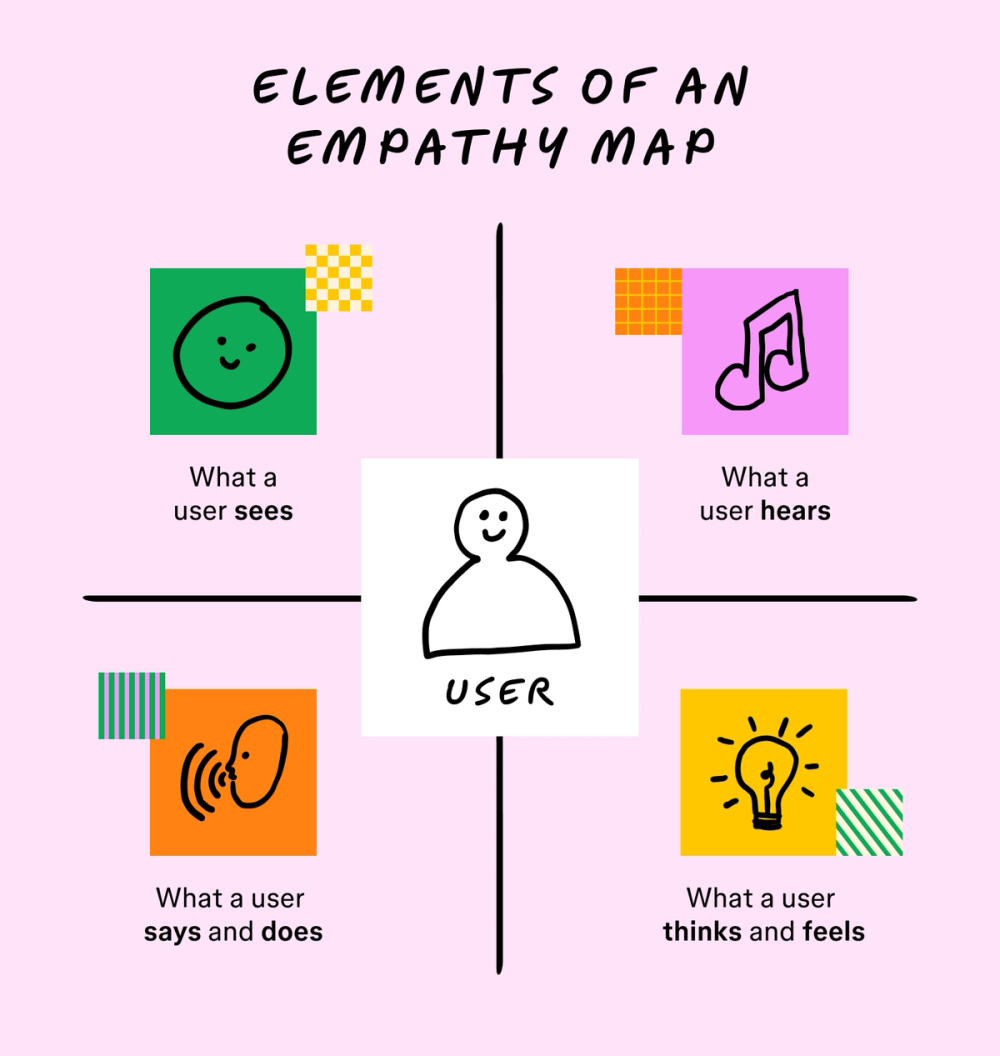
Great apps are designed for users—not for designers.
To create an intuitive experience:
Understand your users' goals and behavior.
Avoid assuming they know what you know.
Design based on their needs, not your preferences.
Validate your ideas early with real users.
When an app feels natural to use, people accomplish their tasks faster, enjoy the experience more, and are more likely to keep using it.
5 Principles of an Intuitive App
Building an intuitive app comes down to five core principles. When combined, they create experiences that feel familiar, simple, and effortless.

1. Follow Platform Conventions
Users already know how Android and iOS apps work. Instead of reinventing common interactions, use patterns they already recognize.
For example:
Android commonly follows Material Design.
iOS uses Human Interface Guidelines.
Standard gestures like swipe, pinch, long press, and pull-to-refresh are already familiar to users.
Following platform conventions:
Reduces the learning curve.
Makes navigation faster.
Creates a consistent experience.
Builds user confidence.
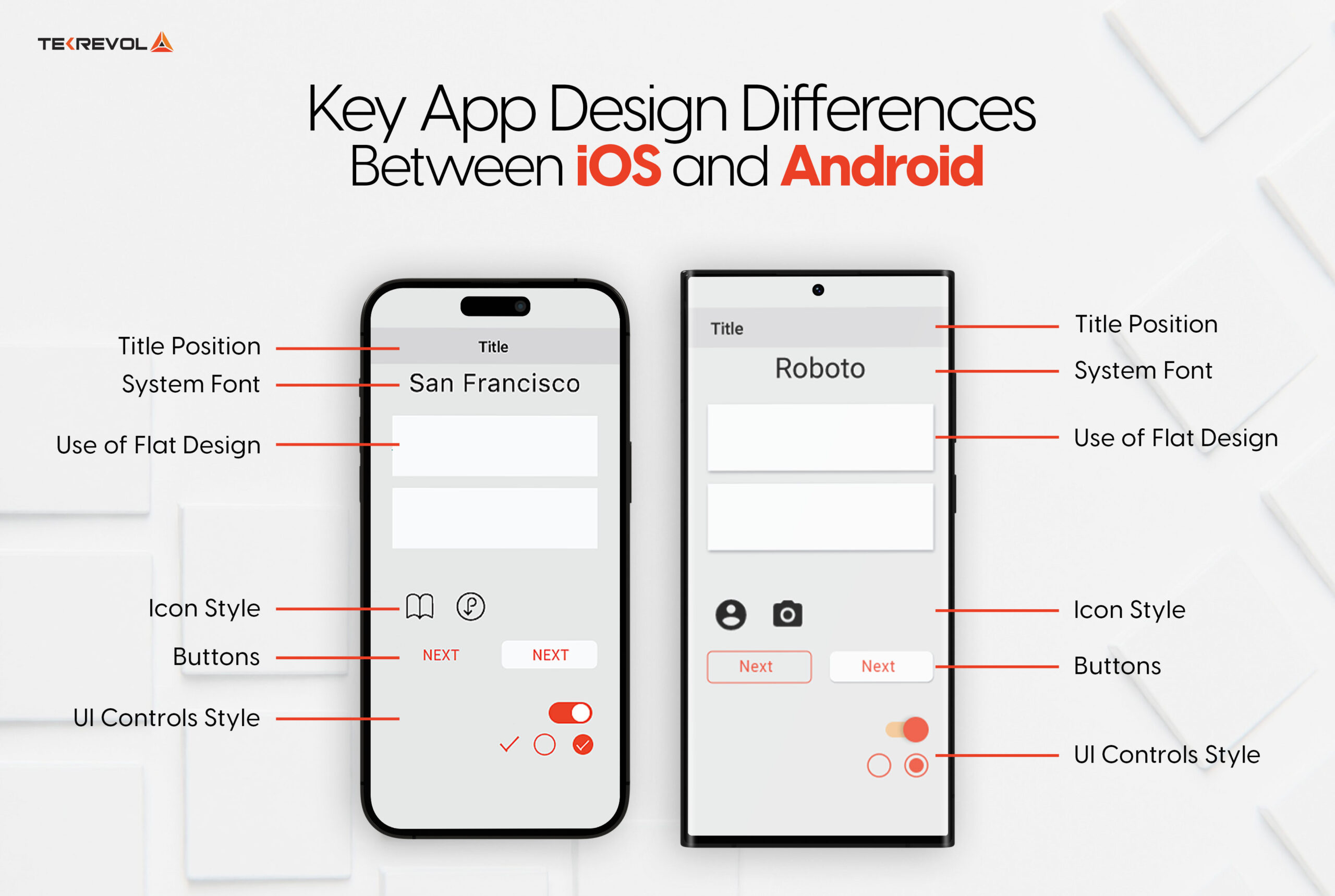
Common Platform Conventions
Examples include:
Swipe to delete
Pull to refresh
Bottom navigation
Standard icons
Native buttons and switches

When Breaking Conventions
Sometimes innovation requires creating a new interaction.
If you do:
Explain it clearly.
Provide onboarding or hints.
Ensure it genuinely improves the experience.
Breaking conventions should solve a problem—not simply look different.

2. Make Navigation Effortless
Users should never have to guess where they are or what to do next.
A good navigation system answers three questions:
Where am I?
Where can I go next?
What will I find there?

Best Practices
Group related content together.
Keep navigation predictable.
Highlight the active page.
Use progressive disclosure.
Reduce unnecessary choices.
Provide helpful hints.
Avoid Hidden Navigation
Overusing hamburger menus can:
Hide important features.
Require extra taps.
Reduce discoverability.
Make users miss valuable functionality.
Whenever possible, prioritize visible navigation such as bottom tabs.
3. Communicate Clearly
Every element of your interface should be easy to understand.
Use Simple Language
Write for everyone.
Avoid technical jargon.
Use descriptive labels.
Keep text concise.
Make text readable with proper sizing and contrast.
Use Familiar Icons
Choose icons users already recognize.
If an icon may be unclear, pair it with a text label—or simply use text.

Use Animation with Purpose
Animations should guide users—not distract them.
Examples include:
Shaking an incorrect password field.
Smooth page transitions.
Success checkmarks after completing an action.
Subtle animations provide feedback and make the interface feel more responsive.

4. Keep It Simple
Simple apps are easier to learn and faster to use.
Apply the Pareto Principle (80/20 Rule).

80% of users rely on only 20% of your features.
Prioritize those core features.
Remove unnecessary complexity.
Every button, option, and screen should have a purpose.
Simplicity isn't removing features—it's removing unnecessary ones.
5. Stay Focused
Successful apps solve one problem exceptionally well.
Instead of trying to do everything:
Define a clear purpose.
Build features around users' primary goals.
Eliminate distractions.
Continuously refine the core experience.
Many of today's most successful apps started by solving a single problem before expanding.
Final Thoughts
An intuitive app doesn't need a manual.
Users should naturally understand how to navigate, complete tasks, and achieve their goals because the interface feels familiar, clear, and purposeful.
By following these five principles—
Follow platform conventions
Make navigation effortless
Communicate clearly
Keep it simple
Stay focused
—you'll create products that users can learn quickly, enjoy using, and continue coming back to.
The best apps aren't the ones with the most features.
They're the ones that make users think the least.

Further Reading
If you'd like to deepen your understanding of intuitive design, these resources are excellent references:
Nielsen Norman Group
https://www.nngroup.com/Apple Human Interface Guidelines
https://developer.apple.com/design/human-interface-guidelines/Material Design 3
https://m3.material.io/Laws of UX
https://lawsofux.com/Interaction Design Foundation
https://www.interaction-design.org/Mobbin (Real App Screenshots)
https://mobbin.com/Dribbble UI Inspiration
https://dribbble.com/Behance UX Case Studies
https://www.behance.net/
Comments
Loading…