How to Use Claude to Generate Promo Videos for Your App
Learn how to use Claude as your creative director to generate stunning app promo videos using Google Vids, Remotion, and Flow.
On this page3 sections
How to Use Claude to Generate Promo Videos for Your App (Google Vids, Remotion & Flow)
Marketing your mobile app or website is just as important as building it. But let's face it: creating engaging, high-quality promotional videos usually requires learning complex software like Premiere Pro or After Effects. What if you could just tell an AI to build the video for you?
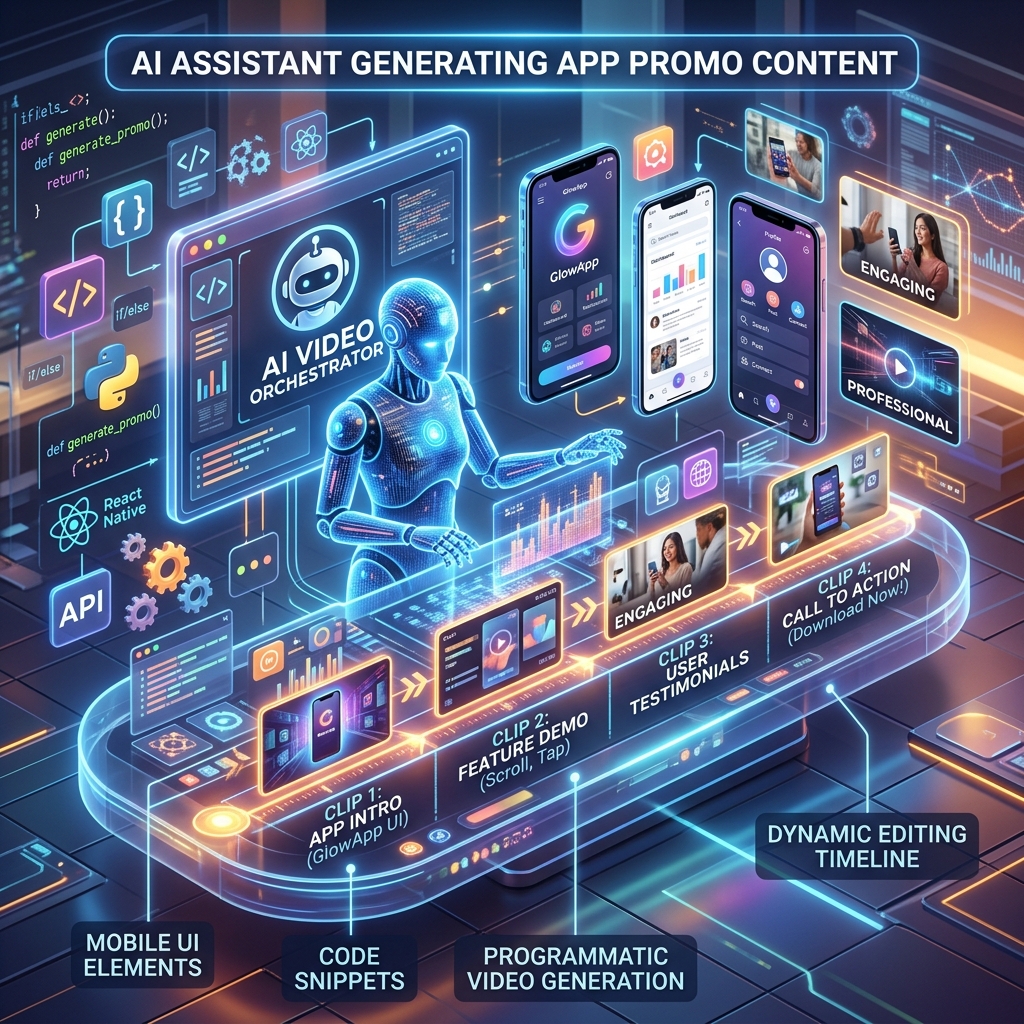
With the rise of advanced LLMs like Claude, you can now use AI as your personal Creative Director. By pairing Claude with cutting-edge video generation tools like Google Vids, Remotion, and Flow, you can generate stunning app promos in minutes. Here is how.

Say goodbye to the grueling rendering timelines.
🎬 1. Claude + Google Vids: The Rapid Storyboarder
If you need a professional, presentation-style promo video fast, Google Vids is incredible. But staring at a blank timeline is hard. This is where Claude steps in.
Instead of writing the script yourself, prompt Claude with your app's core features, target audience, and tone. Claude will generate a highly optimized storyboard, complete with voiceover scripts, B-roll suggestions, and text overlays. You simply paste this structured output into Google Vids, and the AI will assemble the stock footage, apply the transitions, and generate the voiceover instantly.
⚛️ 2. Claude + Remotion: Programmatic Video via React
This is where things get heavily technical and incredibly powerful. Remotion allows you to create videos using React.js. Because Remotion is literally just code, Claude is an absolute master at it.

If your video is made of React code, Claude can write it.
You can prompt Claude: "Write a Remotion React component that animates my mobile app UI. Make the iPhone frame slide in from the left, pause for 2 seconds while a cursor clicks a button, and then fade to my logo."
- Claude will generate the precise
interpolatefunctions anduseCurrentFramehooks. - You can feed Claude your actual app's CSS, ensuring the video matches your brand perfectly.
- You can dynamically generate hundreds of variations (A/B testing different copy) just by looping an array in your code.
🌊 3. Claude + Flow: Liquid Animations
When you want buttery smooth UI transitions and liquid animations, Flow is a massive asset. While Flow is more visual, Claude acts as the strategist. You can ask Claude to architect the easing curves, timing algorithms, and scene transitions. Claude can even generate the Lottie JSON configurations that you can drop straight into your web app or video editor.
Stop letting your brilliant apps die in obscurity because you didn't have the budget for a marketing agency. Spin up Claude, fire up Remotion or Google Vids, and deploy your promo video today!
Comments
Loading…