Stop Starting Over: The Claude Code + Codex Workflow That Makes AI Coding Feel Unlimited
Learn how to configure Claude Code and OpenAI Codex to share project context, recover from usage limits, and collaborate seamlessly using shared configuration files and Git-based handoffs.

Imagine this.
You're deep into building a new feature with OpenAI Codex. It's generating clean code, updating files, and making solid progress.
Then...
Usage limit reached.
The AI stops in the middle of your implementation.
Half the feature is complete.
Several files have changed.
Your momentum is gone.
Most developers assume they have to wait until their usage resets.
They don't.
There's a much smarter workflow that lets Claude Code and OpenAI Codex work together as one development team, allowing one AI to seamlessly continue where the other left off.
If you build software with AI every day, this setup could completely change your workflow.
Why Using One AI Isn't Enough
AI coding assistants are incredibly productive, but they all have limitations.
Sometimes they:
Reach daily usage limits
Lose conversation context
Forget architectural decisions
Restart reasoning from scratch
Generate inconsistent code after long sessions
The biggest productivity killer isn't writing code.
It's losing context.
Every time you switch AI assistants, you spend valuable time explaining:
your project structure
frameworks
coding style
architecture
naming conventions
previous decisions
That repeated setup wastes hours every week.
Fortunately, there's a better approach.

Treat Claude and Codex Like Two Senior Developers
Instead of viewing Claude and Codex as competing tools, think of them as two senior engineers sharing the same repository.
For that to work, they need the same understanding of your project.
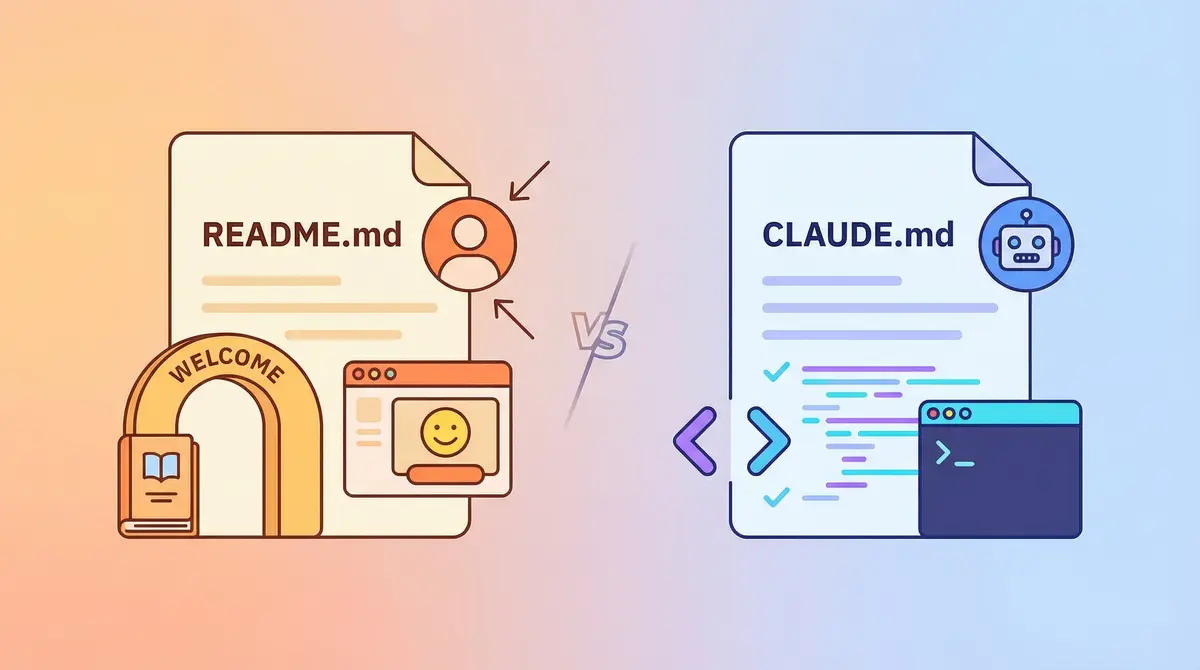
The workflow begins by generating two identical project configuration files:
CLAUDE.mdAGENTS.md
These files become the shared memory for both AI assistants, documenting the workspace, technology stack, development workflow, and important guardrails.
Once both AIs read the same project rules, switching between them becomes much smoother.
Step 1: Create Shared Project Context
The first step is to initialize your workspace.
According to the document, both AI assistants should analyze your project before generating configuration files. This includes identifying the frontend and backend repositories, understanding the technology stack, reviewing coding conventions, and documenting development commands.
Your shared configuration should include:
Workspace overview
Frontend framework
Backend framework
Programming languages
Package managers
Local development commands
Testing commands
Project guardrails
API synchronization rules
This gives both Claude and Codex identical architectural knowledge before they begin writing code.
Step 2: Let One AI Start the Work
Now choose whichever assistant you prefer.
Maybe Codex.
Maybe Claude Code.
Ask it to build a feature normally.
It begins modifying files directly inside your repository.
Everything works as expected.
Until…
The usage limit appears.
Instead of panicking...
You move to the next step.
Step 3: Recover the Work Instead of Restarting
One of the smartest ideas in the document is the recovery workflow.
When Codex stops because of its usage limit, your code isn't lost.
The modified files still exist in your local workspace.
The document recommends checking the repository state using Git commands such as git status and git diff to see exactly what changed before handing the work to Claude. It also advises cleaning up any incomplete code if the interruption happened in the middle of an edit.
This is much faster than asking the AI to regenerate everything.
Step 4: Hand the Project to Claude
Now comes the magic.
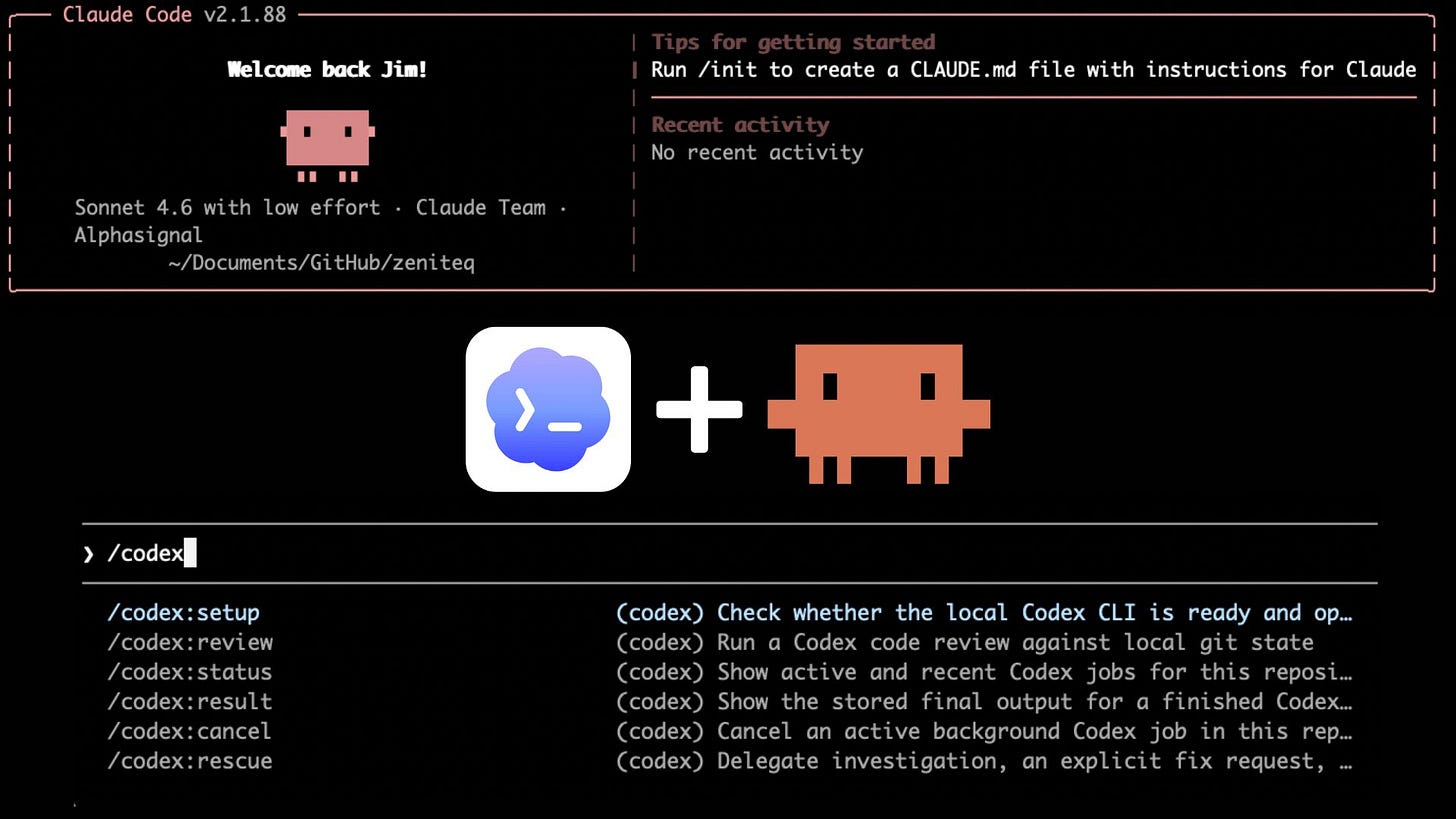
Instead of explaining your project again, simply ask Claude to:
Read
CLAUDE.mdInspect modified files
Review Git changes
Understand the original objective
Continue exactly where Codex stopped
Because Claude already understands your architecture through the shared configuration file, it can focus on completing the implementation instead of rediscovering the project structure.
From your perspective...
It feels like one AI simply continued typing.
The Reverse Workflow Works Too
The process also works in the opposite direction.
If Claude reaches its limit first, you don't need to start over with Codex.
Instead, the document recommends opening Codex in Plan Mode before continuing.
Rather than immediately generating code, Codex first analyzes the current workspace, reviews the shared configuration, inspects modified files, and creates a continuation plan before implementation.
That planning step reduces duplicated work and helps prevent conflicting implementations.
Why Plan Mode Matters
One interesting recommendation is using Codex's planning capability before writing code during a handoff.
Instead of immediately modifying files, Codex should first:
inspect the workspace
review Git differences
understand Claude's progress
identify incomplete logic
produce a continuation strategy
Only after the plan is approved should implementation continue.
This keeps the project cleaner and reduces unnecessary rewrites.
Think of Git as Shared Memory
Most developers think Git only exists for version control.
In this workflow...
Git becomes communication.
Both AI assistants inspect:
modified files
staged changes
unfinished implementations
code differences
The repository itself becomes the conversation between Claude and Codex.
Instead of exchanging long prompts, they exchange actual code.
Why This Workflow Is So Powerful
The biggest advantage isn't saving prompts.
It's preserving momentum.
Rather than stopping every time an AI session ends, you create a continuous development process.
Benefits include:
✅ Less context switching
✅ No repeated explanations
✅ Faster feature delivery
✅ Cleaner project organization
✅ Better architectural consistency
✅ Easier collaboration between multiple AI assistants
Should Every Developer Use This?
If you're only asking AI to generate small snippets of code, this workflow may be more than you need.
But if you're building:
SaaS applications
enterprise systems
full-stack platforms
large React projects
Next.js applications
Laravel backends
Node.js APIs
production software
then shared AI project memory becomes incredibly valuable.
The larger the codebase...
…the more useful this approach becomes.
Final Thoughts
AI coding isn't just about choosing between Claude or Codex anymore.
The real productivity boost comes from making them work together.
By sharing project knowledge through CLAUDE.md and AGENTS.md, tracking progress with Git, and using structured handoff prompts, you can keep development moving even when one assistant reaches its limit.
Instead of asking:
"Which AI is better?"
A better question might be:
"How can I make both AIs collaborate?"
That shift in mindset could save hours of repeated work—and make AI-assisted development feel almost uninterrupted.
Comments
Loading…