Supercharge Claude Code & Codex: 4 Essential Skills for Building Stunning AI-Generated Websites
Discover four powerful community-built skills that help Claude Code and Codex generate beautiful, professional, and production-ready websites with better UI, UX, and frontend design.

On this page6 sections
Artificial intelligence has dramatically changed how developers build websites. Whether you're using Claude Code, OpenAI Codex, or another AI coding assistant, one thing is becoming increasingly clear:
The quality of your output depends on the quality of your setup.
Many developers spend hours crafting the perfect prompt, but overlook something even more important—giving their AI the right skills and design guidance before it starts writing code.
Instead of generating generic landing pages with basic layouts and mediocre UI, you can equip your AI with specialized skills that dramatically improve design quality, user experience, animations, and overall visual polish.
Here are four community-created skills worth adding to your AI workflow.
Why AI Skills Matter
Think of these skills as giving your AI a specialized education.
Without them, an AI might generate:
Generic layouts
Poor spacing
Weak typography
Basic color palettes
Inconsistent components
Average user experiences
With the right skills installed, your AI becomes much better at understanding modern design principles, premium interfaces, and production-ready frontend patterns.
The result?
Cleaner code.
Better UX.
More beautiful websites.
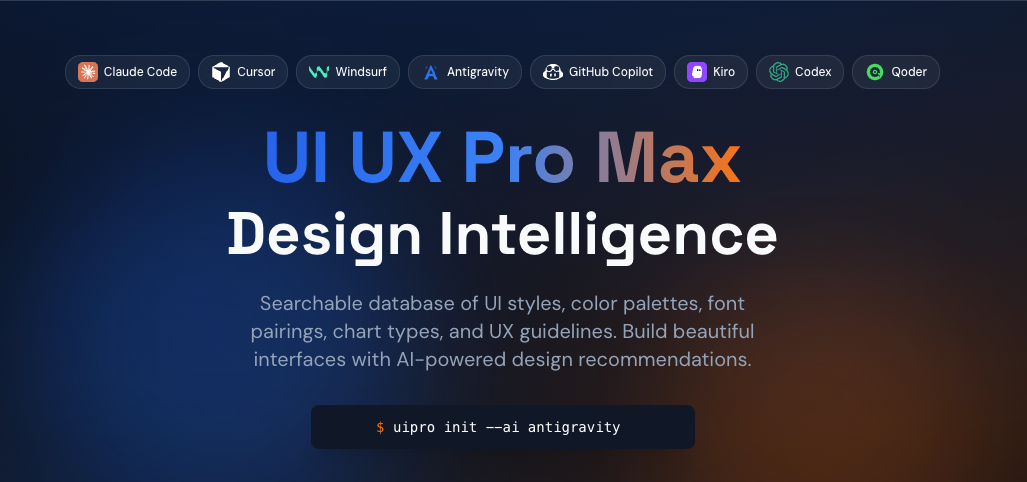
1. UI/UX Pro Max Skill
Repository
If you're aiming for premium SaaS landing pages, startup websites, or modern dashboards, this is one of the best skills to install.
The UI/UX Pro Max Skill focuses on helping AI understand professional interface design instead of simply arranging components on a page.
Highlights
Better layout hierarchy
Improved spacing
Modern design systems
Premium component structure
Strong visual consistency
Better responsive design
This skill helps your AI produce interfaces that feel intentional rather than randomly assembled.
2. Emil Kowalski's Skills
Repository
Emil Kowalski is widely recognized for creating elegant, modern web experiences.
His collection of AI skills teaches coding assistants many of the design patterns and frontend practices that make contemporary websites stand out.
Expect improvements in areas such as:
Layout composition
UI refinement
Micro-interactions
Frontend best practices
Design consistency
These skills are especially useful if you're building polished startup websites or interactive web applications.

3. Impeccable
Repository
The name says everything.
Impeccable is designed to push AI-generated interfaces beyond "good enough."
Rather than producing average websites, it encourages higher-quality visual execution and cleaner implementation.
Some of its strengths include:
Better attention to detail
Cleaner component structure
Improved visual polish
Higher-quality frontend output
Production-ready presentation
If you've ever looked at an AI-generated website and thought, "Something feels off," Impeccable helps close that gap.

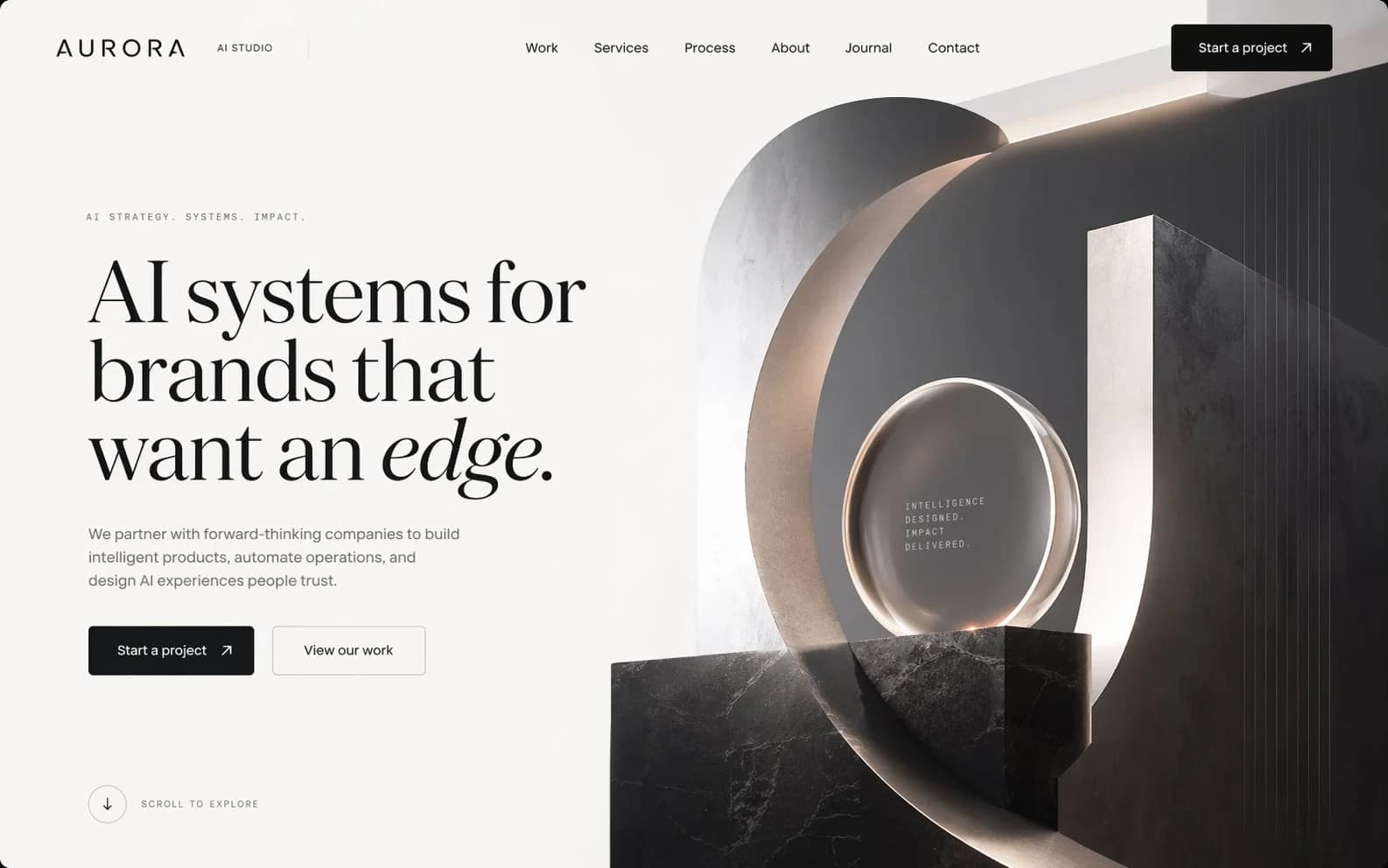
4. Taste Skill
Repository
One of the biggest weaknesses of AI-generated websites is a lack of aesthetic judgment.
Everything technically works—but nothing feels premium.
Taste Skill focuses on improving exactly that.
It helps AI make better visual decisions regarding:
Typography
Color harmony
Visual hierarchy
White space
Composition
Overall aesthetics
Think of it as teaching your AI what "good design" actually looks like.
The Best Results Come From Combining Skills
Each repository focuses on a different aspect of web creation.
Instead of choosing only one, many developers combine them to create a much stronger AI workflow.
For example:
UI/UX Pro Max for professional layouts
Emil Kowalski Skills for refined frontend patterns
Impeccable for production-level quality
Taste Skill for stronger visual aesthetics
Together, they help AI produce websites that look far closer to something created by an experienced product designer.
Don't Let AI Design Alone
Even with these powerful skills, remember that AI is still a collaborator—not a replacement for good judgment.
Review every design for:
Accessibility
Mobile responsiveness
Performance
Usability
Brand consistency
User experience
Maintainability
The best developers use AI to accelerate creativity while applying their own expertise to refine the final product.
Final Thoughts
The future of frontend development isn't just about writing better prompts.
It's about building a smarter AI environment.
By installing specialized skills like UI/UX Pro Max, Emil Kowalski Skills, Impeccable, and Taste Skill, you give Claude Code or Codex the context it needs to create interfaces that are cleaner, more modern, and significantly more polished.
If you're serious about building beautiful AI-generated websites, these four repositories are an excellent place to start.
Comments
Loading…